Illustrator Extension
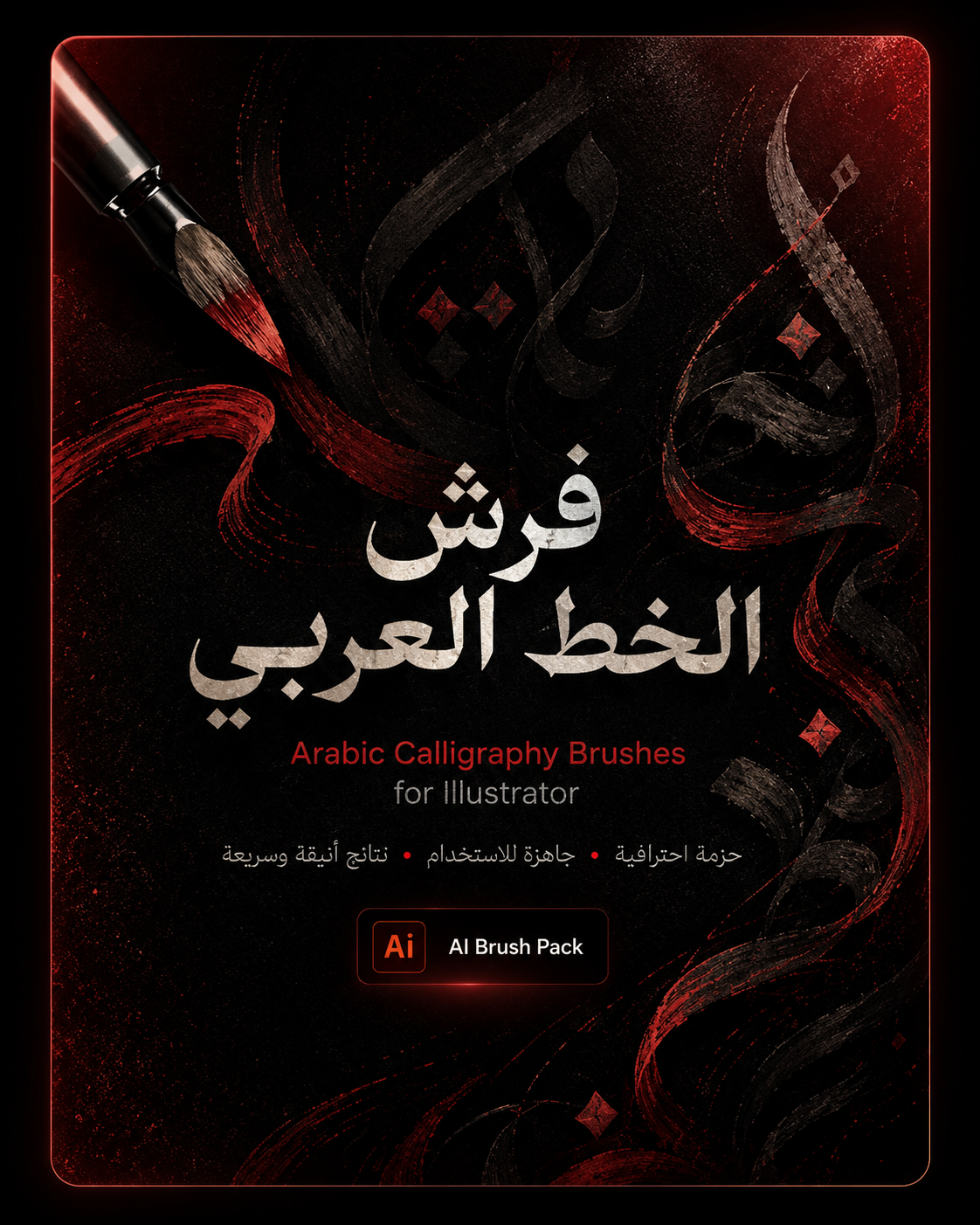
فرش الخط العربي للاليستريتور
حزمة فرش احترافية للخط العربي داخل Adobe Illustrator، جاهزة للاستخدام في تصميم الشعارات، البوسترات، الهويات البصرية، والزخارف العربية بسرعة وجودة عالية.
Details
حزمة فرش الخط العربي للاليستريتور مصممة لمساعدة المصممين على إنشاء خطوط وزخارف عربية بشكل أسرع وأكثر احترافية داخل Adobe Illustrator.
الملف مناسب لـ:
• تصميم الشعارات العربية
• البوسترات والسوشيال ميديا
• الزخارف والعناصر الإسلامية
• الهويات البصرية
• العناوين العربية الفنية
• التجارب الطباعية والخطية
طريقة الاستخدام:
1. حمّل الملف.
2. افتح Adobe Illustrator.
3. من قائمة Brushes اختار Open Brush Library.
4. افتح ملف الفرش المرفق.
5. اختار الفرشة المناسبة وابدأ الرسم مباشرة.
ملاحظة:
يفضل استخدام الفرش مع Pen Tool أو Brush Tool للحصول على أفضل نتيجة، ويمكن تعديل السمك واللون حسب التصميم.
Prompt / Code
Arabic Calligraphy Brushes Pack for Adobe Illustrator.
Ready-to-use brush library for creating Arabic calligraphy inspired strokes, decorative lettering, posters, logos, and premium visual identity designs.
Illustrator Extension
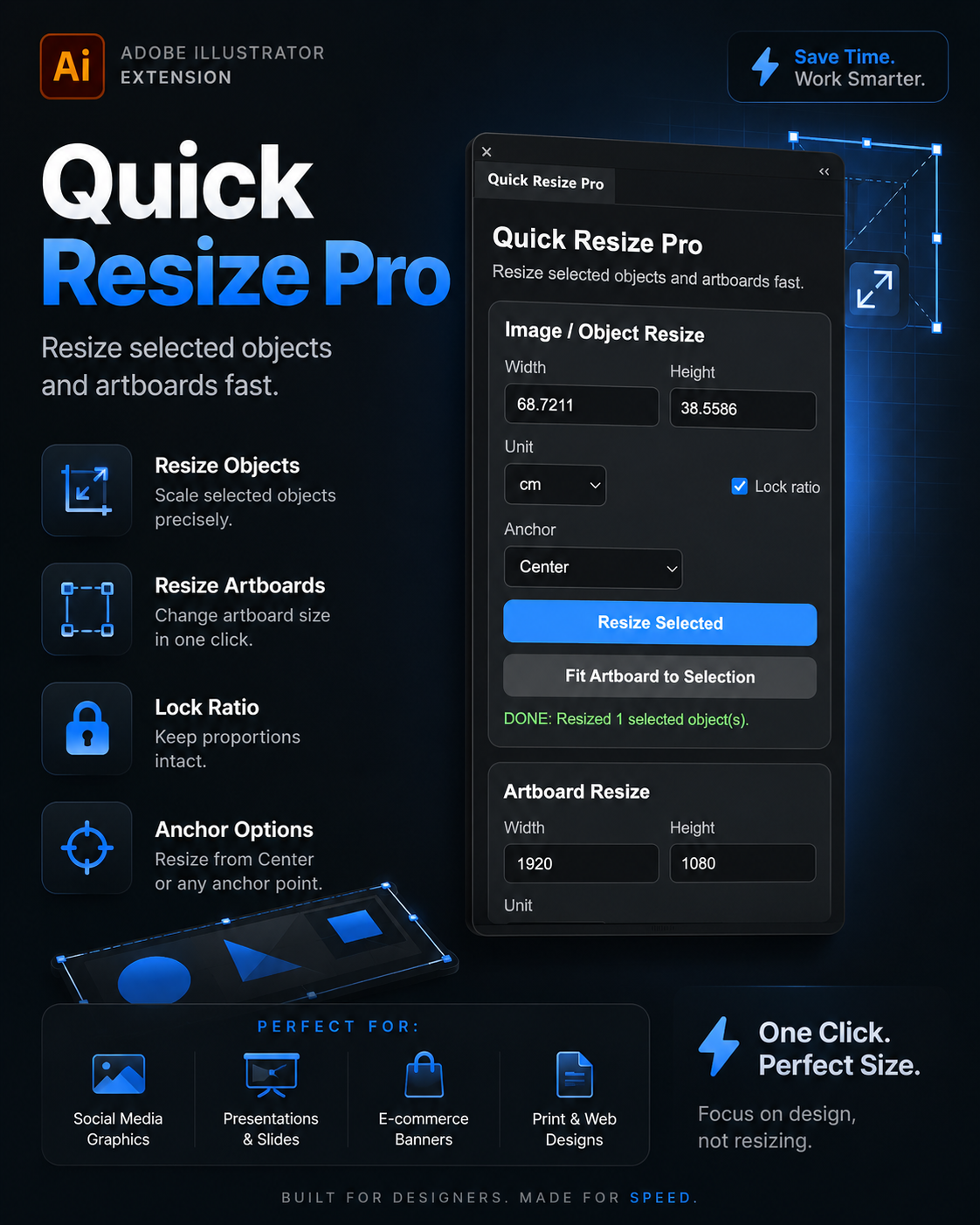
Quick Resize Pro
Professional Adobe Illustrator extension for resizing selected objects and artboards instantly with precision controls, lock ratio support, and smart anchor positioning.
Details
CONTENT / INSTRUCTIONS
Quick Resize Pro is a lightweight productivity extension built for Adobe Illustrator designers who need faster and more accurate resizing workflows.
The extension allows you to:
• Resize selected objects instantly
• Resize artboards with custom dimensions
• Lock aspect ratio automatically
• Resize from any anchor point
• Work with multiple measurement units
• Speed up social media and print workflows
Designed with a clean modern dark UI inspired by professional creative tools.
Perfect for:
Social media designers
Print designers
Branding projects
UI/UX workflows
Presentation layouts
Marketing creatives
Compatible with Adobe Illustrator.
PROMPT / CODE BLOCK
Quick Resize Pro — Adobe Illustrator Extension
Features:
Object Resize
Artboard Resize
Lock Ratio
Anchor Point Resize
Multiple Units Support
Fast Workflow UI
Modern Dark Interface
Built for designers who need speed and precision inside Adobe Illustrator.
Resize selected objects and artboards in seconds.
Perfect for:
• Social Media Graphics
• Print Design
• Presentations
• Web Banners
• Branding Projects
Version 1.0
Extension
Illustrator Prompt Assistant
A starter concept for an Illustrator AI extension workflow.
Details
A practical Creative KIT item for sharing Illustrator automation ideas, extension notes, and production workflows. Use this page later to attach ZIP files, prompts, tutorials, and demo videos.
Prompt / Code
Act as a senior Adobe Illustrator automation assistant. Help me convert design tasks into clean repeatable steps, scripts, and production-ready creative systems.
Prompt System
Master Prompt System
Reusable prompt frameworks for cinematic AI visuals and campaigns.
Details
Store your master prompts here with copy buttons, usage notes, versions, examples, and downloadable TXT/PDF files.
Prompt / Code
Create a premium cinematic advertising concept with strict product preservation, clear composition, lighting, camera direction, and negative prompts.
Workflow
AI Workflow Playbook
A structured AI workflow for creators, designers, and social teams.
Details
Publish step-by-step systems, automation flows, tool stacks, and resources that help other creators build faster.
Prompt System
How to Replicate the New Instagram Logo Font Style Using ChatGPT
A powerful and free prompt designed for ChatGPT (or image generation tools) that allows you to instantly transform any custom word or text into the exact hybrid cursive style of the new Instagram wordmark logo.
Details
How to use:
Copy the customized prompt from the code block below.
Open your AI tool (such as ChatGPT Plus with DALL-E 3 or Midjourney).
Replace the placeholder text with your preferred word or brand name.
Run the prompt to generate your custom Instagram-style typography.
بضغطة.
👋 طريقة الاستخدام
1.
نزّل صورة الأساس (خط انستكرام) المنشورة بالقناة.
هاي الصورة اللي ترفعها مع الأمر.
2.
افتح GPT بوضع الصور، أو أي أداة تقبل صورة.
3.
انسخ الأمر من الأسفل، وبدّل [YOUR WORD] باسم
علامتك أو الكلمة اللي تريدها.
4.
أرفق صورة الأساس، وشغّل. يطلعلك اسمك بنفس
ستايل خط انستكرام.
💡 ملاحظة مهمة: الأمر يشتغل أفضل مع كلمة أو اسم
واحد بالحروف اللاتينية (إنجليزي)؛ الأسماء العربية ما
تتحول بنفس الستايل. وبعد التوليد راجع الإملاء حرف
حرف، لأن الأداة أحياناً تبدل حرفاً (مثلاً q تصير g). إذا
صار، أعد التوليد أو صحّح الحرف بمحرر.
🎨 تگدر تغيّر: لون الخلفية. خلّها كريمية مثل انستكرام،
أو بيضاء على ذوقك.
Prompt / Code
Use the attached image as the exact style
reference for the lettering. Render the word
"[YOUR WORD]" as a custom wordmark in
that same typeface: bold black geometric
letterforms with the same playful,
experimental curves, loops and reversed/
ligature details, consistent stroke weight, and
rounded terminals, so it reads as one
cohesive custom typeface. Apply that
lettering system evenly to every letter of the
new word, keeping the reference's casing
(capital first letter, rest lowercase). Center it
on the same soft cream off-white
background, high contrast, minimalist,
generous empty space. Render the word
exactly as written, correctly spelled, with no
extra, missing or duplicated letters. Square
1:1. If any letter looks wrong, redraw it so it
clearly spells the exact word in the same
style.